Drodian's (De)Fault
A downloadable game
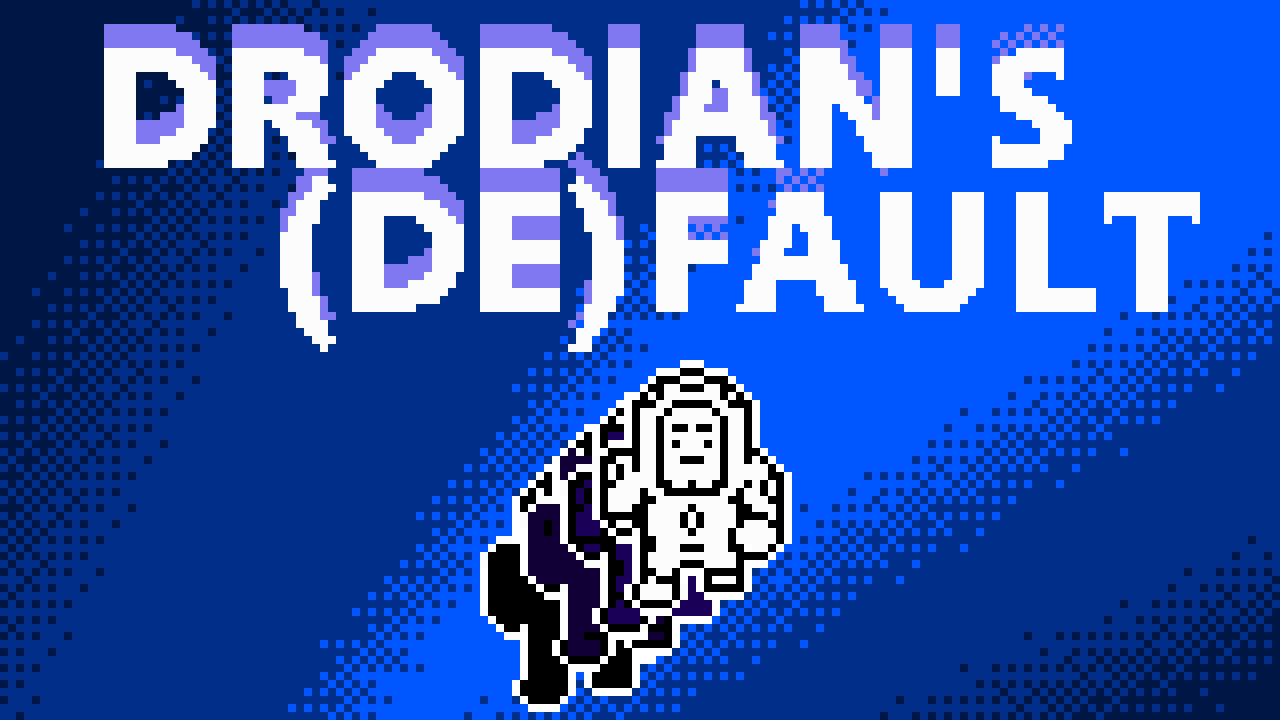
Objective
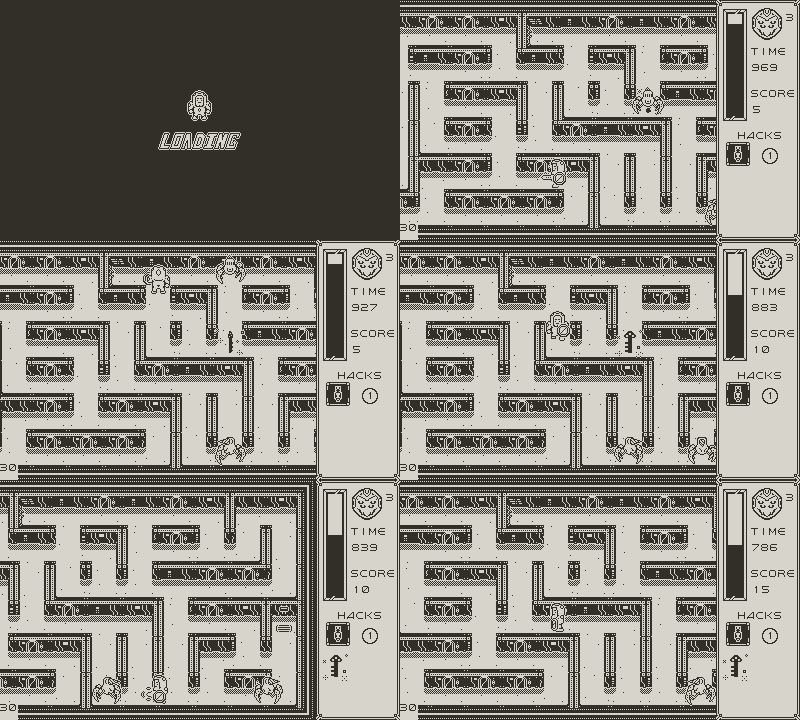
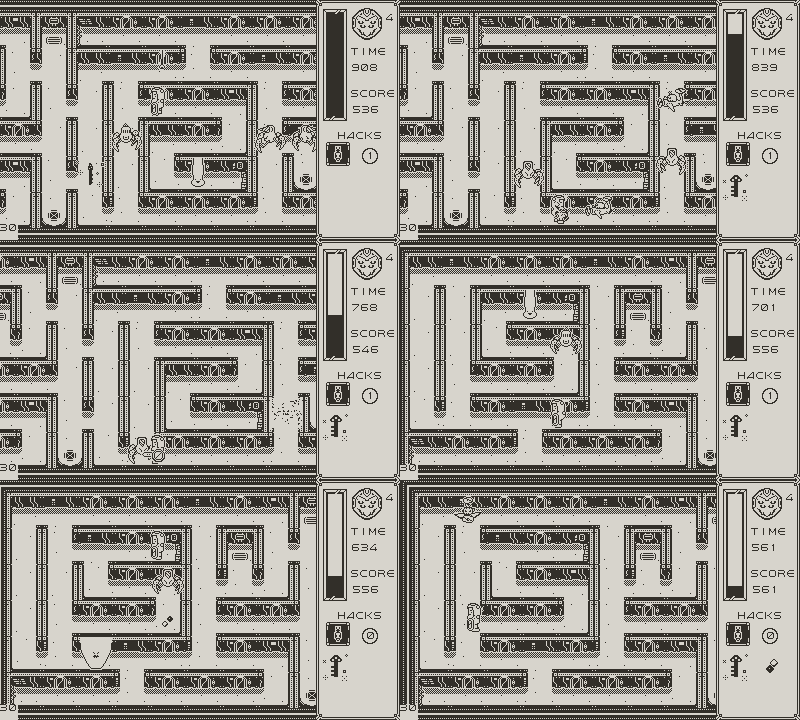
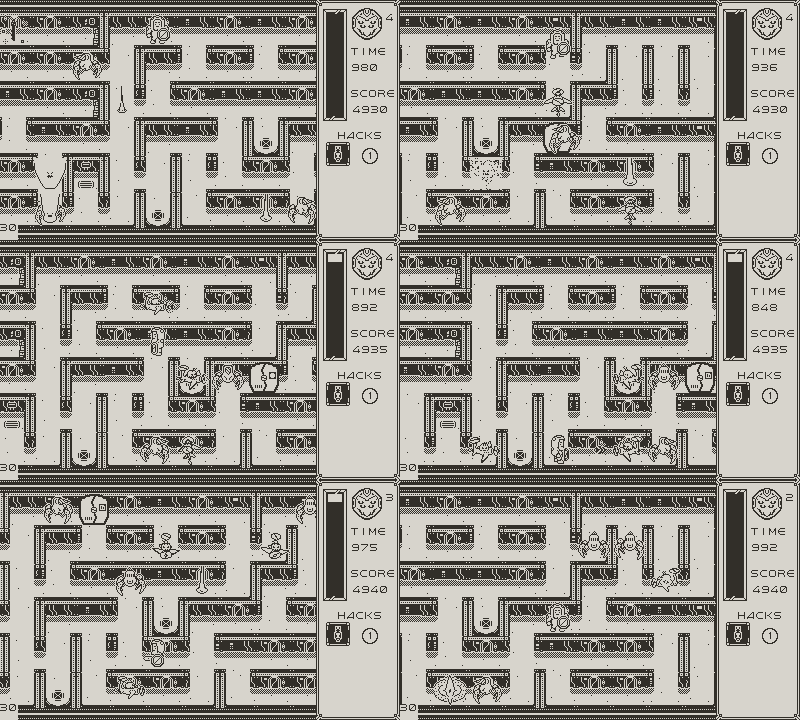
As De, your goal is to make your way and fight through the madness of corrupted bots and programs as you climb your way to the top of Drodian’s Arcology. Your goal on each floor is to find the key and unlock the door to the next floor, but all may not be what it seems…
Controls
 Face up, move up.
 Face down, move down.
 Face left, move left.
 Face right, move right.
 Press & Hold A to Take Sword Out
 Hack Wall
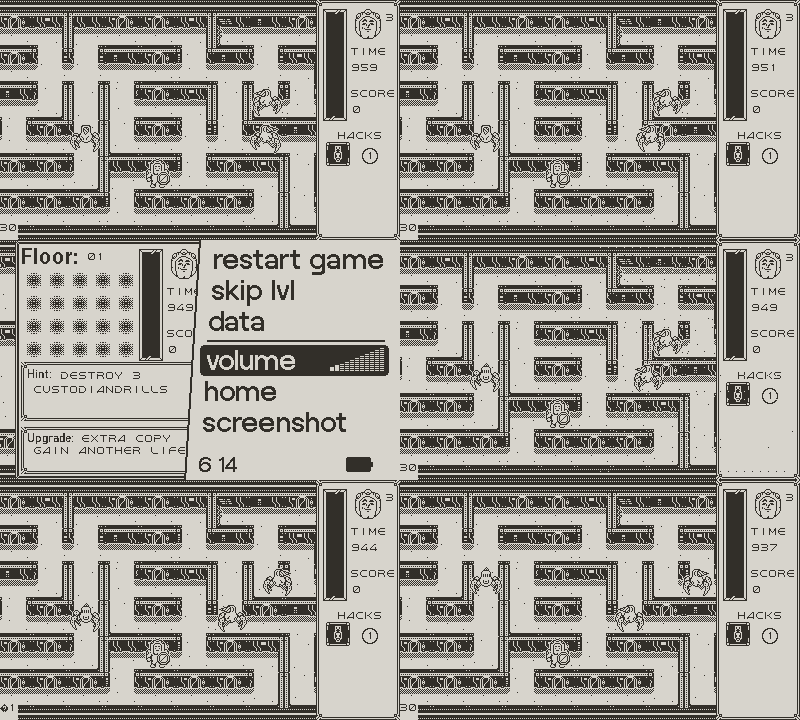
 Pause, Shows Hints and Secret Objectives
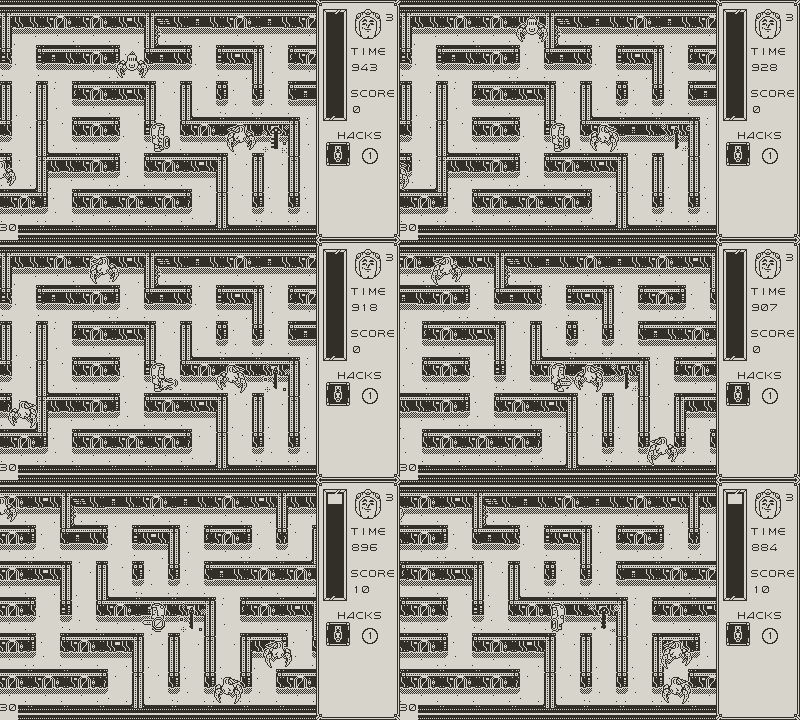
Attacking Enemies
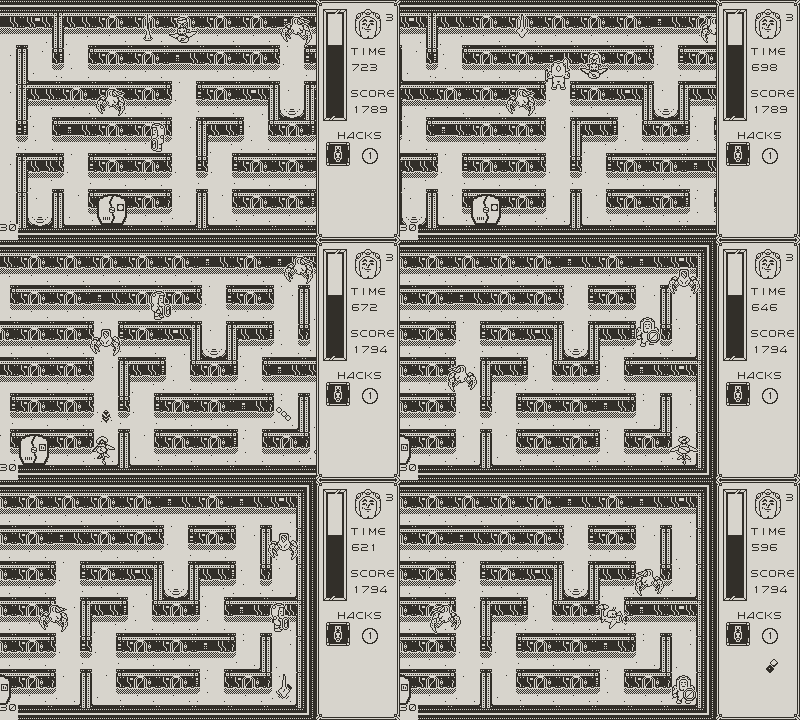
You have an energy sword! To attack you must have your sword drawn by pressing and holding the A button. Think of it like a joust, but not all enemies will fall that easily. Keep jousting them until they are destroyed! Be careful this does deplete your energy.
Blocking Shots
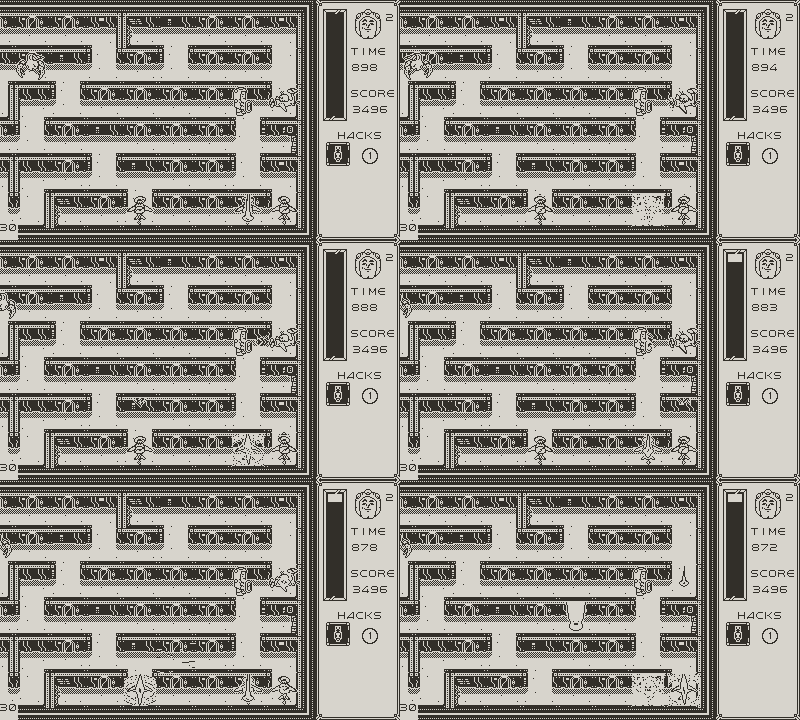
You have a shield! If your sword is not drawn, whichever direction you are facing can block shots
When you draw your sword the shield will block anything to the left. This will be important when trying to defend yourself!
Energy
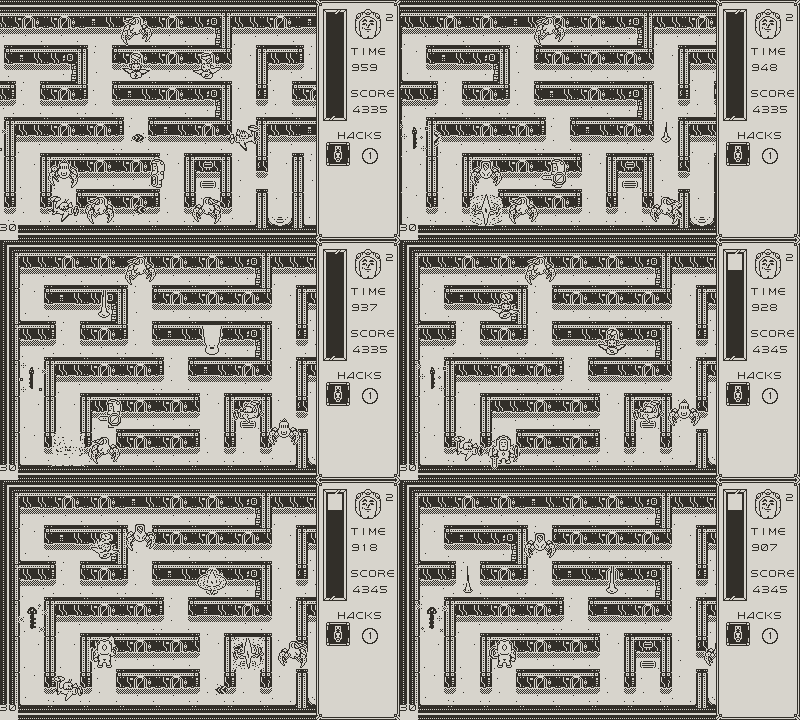
Fighting enemies can be exhausting and Dee’s energy will deplete as he is fighting. If you drop to 0 you lose a life!
Secret Objective & Upgrades
The System Menu will show a hint on how to get the secret objective and the upgrade earned from getting the secret objective. These upgrades are important for getting through the archology.
Hacking Wall(s)
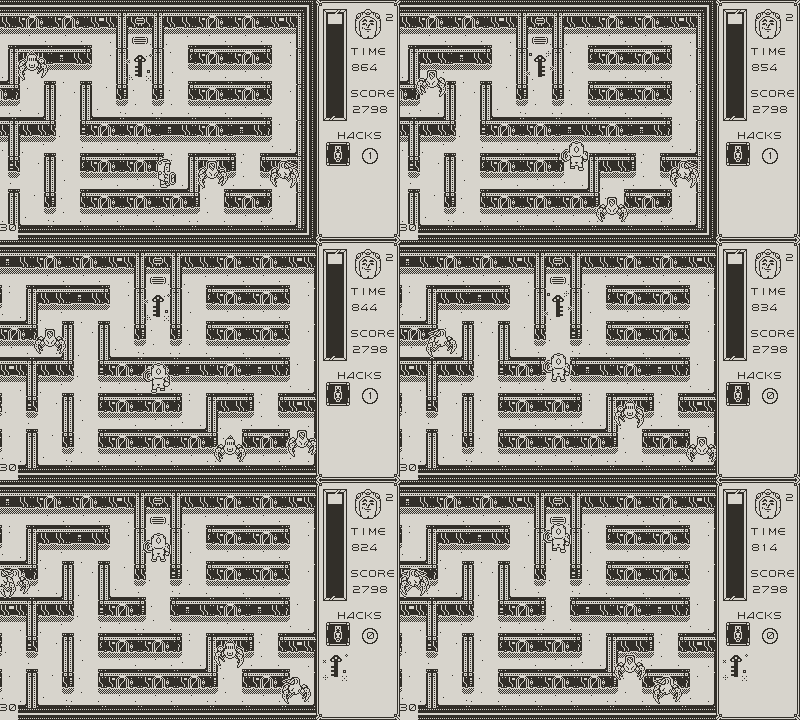
By pressing B while facing a wall you can hack through it. While it helps you get through the level faster you only have a limited number of hacks for each floor.
----
We're Still In Development!
Our Playdate game is currently in development! Stay tuned over here for regular updates, demos, and more!
Join our Discord to follow the development of Drodian's (De)Fault!
The current demo is for the Chicago Indie Games Showcase, and features 9 playable levels!
❤️ Affinity Archives
----
The Team
- Nathan Kilthorne: Code, Design, Art, Lead
- Tony Leyva: Design, Art
- Ed Zak: Audio, Art
- Chris Weiss: Art, Design, Production
Download
Install instructions
You must either sideload this to your Playdate device or use the Playdate simulator with SDK v3.0.2 or higher!!!
Once you have the SDK installed, find and open the simulator. (By default it should be in the "bin" folder - e.g. "PlaydateSDK\bin\PlaydateSimulator.exe".)
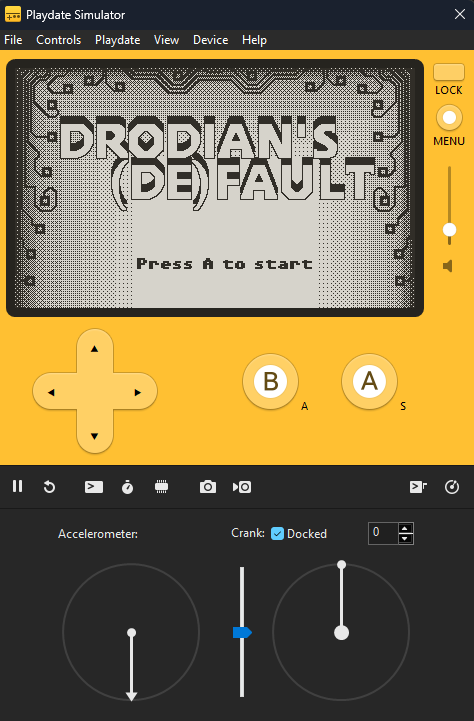
Select File > Open, find the Drodians(De)Fault.pdx file and select "open folder"
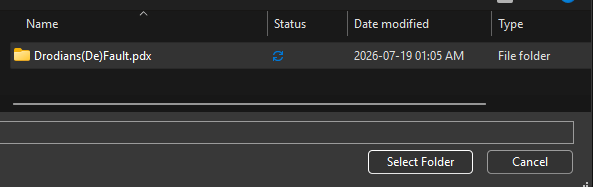
The game should then boot up and you're ready to climb the arcology!
Comments
Log in with itch.io to leave a comment.
Getting an error when trying to sideload it:
"Could not find a top-level .pdx file"